



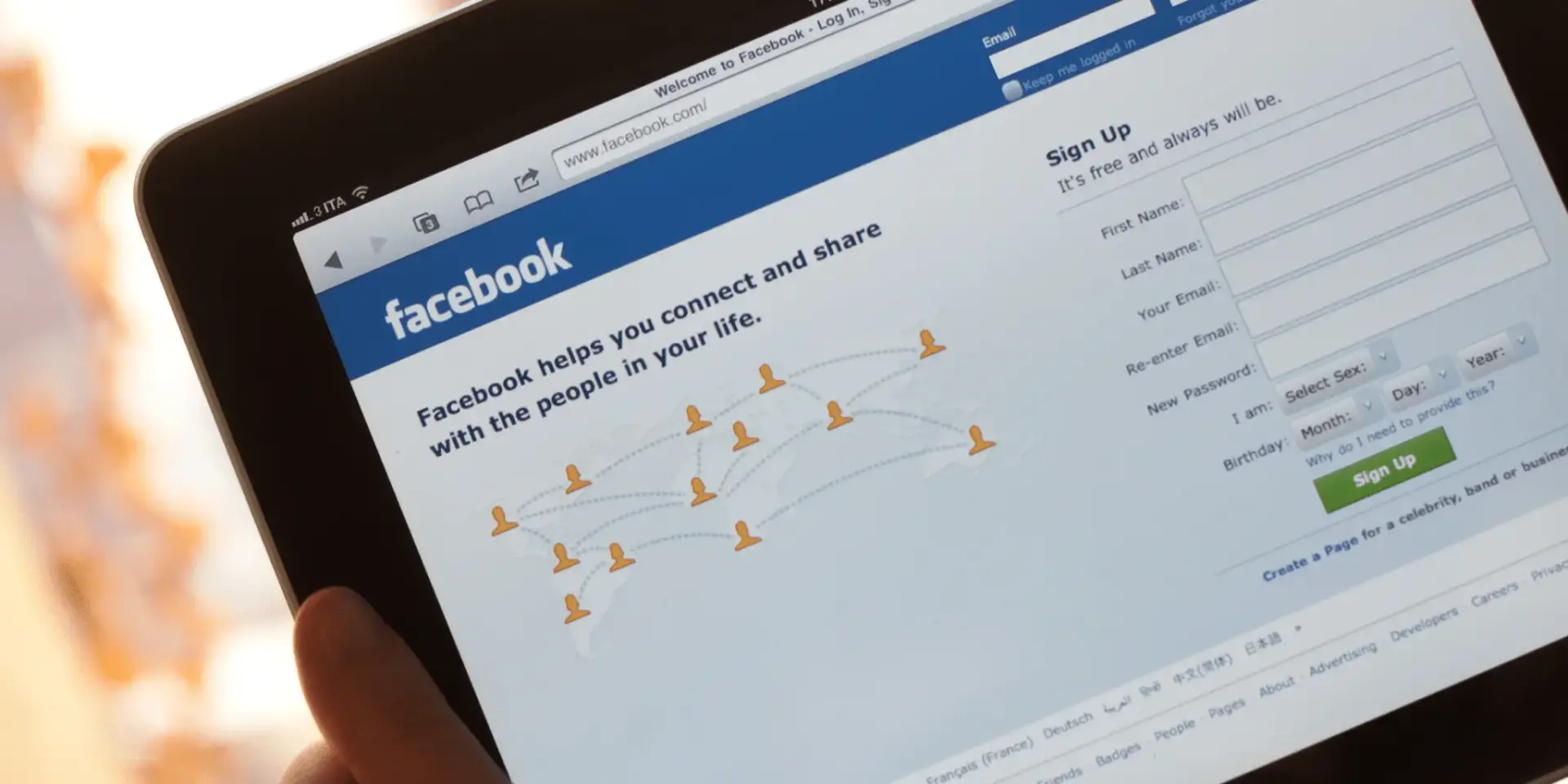
Have you ever tried opening Facebook only to find it mysteriously unavailable? It’s frustrating, right? You’re not alone. Millions of users around the world face restrictions when trying to access Facebook due to government regulations, workplace policies, or school network controls. Governments may block Facebook to control information flow or restrict communication during political unrest. In some cases, institutions like schools and offices block social media platforms to improve productivity or limit distractions.
Think of it like a locked door—you know what’s inside, but you just can’t get in. These blocks are typically enforced using firewalls or DNS filtering, which prevent your device from connecting to Facebook’s servers. The good news? There are ways to bypass these restrictions, and one of the most popular methods is using a proxy server.
Table of Contents
ToggleCommon Places Where Facebook Is Restricted
Facebook blocking isn’t limited to just a few countries. It can happen anywhere depending on local policies or network administrators. Schools and universities often restrict access to prevent students from wasting time. Offices block Facebook to keep employees focused on work tasks. Even public Wi-Fi networks sometimes impose restrictions to reduce bandwidth usage.
In some regions, restrictions are more serious and widespread, affecting entire populations. These blocks are often enforced at the ISP (Internet Service Provider) level, making them harder to bypass without proper tools. Understanding where and why Facebook is blocked helps you choose the right method to unblock it effectively.
What Is a Proxy Server?
How Proxy Servers Work
Imagine sending a letter through a friend instead of directly to the recipient. That’s essentially how a proxy server works. Instead of your device connecting directly to Facebook, your request goes through a proxy server, which then forwards it to Facebook on your behalf. The response follows the same path back to you.
This process hides your real IP address and makes it appear as though the request is coming from the proxy server instead. If Facebook is blocked in your region but accessible in the proxy server’s location, you can bypass the restriction easily. It’s like using a secret tunnel to reach your destination.
Types of Proxy Servers
HTTP vs HTTPS Proxy
Not all proxies are created equal. HTTP proxies are designed for basic web browsing but may not encrypt your data, making them less secure. On the other hand, HTTPS proxies provide encryption, ensuring that your data remains private while you browse Facebook.
If security matters to you—and it should—always go for HTTPS proxies. They act like a protective shield, preventing hackers or third parties from snooping on your activity.
Anonymous and Elite Proxies
Another classification of proxies is based on anonymity levels. Anonymous proxies hide your IP address but still reveal that you’re using a proxy. Elite proxies, however, provide the highest level of anonymity by completely masking both your IP and proxy usage.
Think of anonymous proxies as wearing sunglasses, while elite proxies are like putting on a full disguise—no one can recognize you.
How Proxy Servers Help Unblock Facebook
Bypassing Network Restrictions
When Facebook is blocked, it’s usually because your network is filtering requests to Facebook’s servers. A proxy server acts as a middleman, allowing you to bypass these restrictions. Since your request goes to the proxy server first, the network doesn’t detect that you’re accessing Facebook.
It’s similar to taking a detour route when the main road is closed. You’re still reaching your destination, just through a different path.
Masking Your IP Address
Your IP address is like your digital identity. When you use a proxy server, your real IP is hidden, and the proxy’s IP is shown instead. This not only helps you bypass restrictions but also adds a layer of privacy.
For example, if Facebook is blocked in your country but accessible in another, you can use a proxy server located in that country to gain access. It’s like virtually relocating yourself without leaving your chair.
Step-by-Step Guide to Use a Proxy Server
Finding a Reliable Proxy
The first step is choosing a reliable proxy server. There are countless free and paid options available online, but not all of them are safe or effective. Look for proxies with good reviews, fast speeds, and HTTPS support.
Free proxies may seem tempting, but they often come with limitations such as slow performance and potential security risks. Paid proxies, on the other hand, offer better reliability and privacy.
Configuring Proxy Settings
Once you’ve selected a proxy, you’ll need to configure it on your device or browser. This usually involves entering the proxy server’s IP address and port number in your network settings. Some browsers also offer built-in proxy configuration options.
After setting it up, simply open Facebook in your browser. If everything is configured correctly, you should be able to access it without any restrictions.
Best Free and Paid Proxy Options
Free Proxy Servers
Free proxies are widely available and easy to use. They’re a good option for occasional use but come with drawbacks like slower speeds and limited security. Many free proxies are overcrowded, leading to poor performance.
Still, if you just need quick access to Facebook, they can get the job done.
Paid Proxy Services
Paid proxies offer better speed, security, and reliability. They’re ideal for users who need consistent access to Facebook or other blocked websites. These services often include additional features like encryption and customer support.
Investing in a paid proxy is like upgrading from a bicycle to a car—you get to your destination faster and more comfortably.
Risks of Using Proxy Servers
Security Concerns
Using a proxy server isn’t without risks. Some proxies may log your data or expose you to cyber threats. Free proxies, in particular, can be risky since they’re often operated by unknown entities.
It’s important to choose trustworthy providers and avoid entering sensitive information while using unsecured proxies.
Data Privacy Issues
Your data may pass through the proxy server, which means it could be intercepted if the connection isn’t secure. This is why HTTPS proxies are highly recommended.
Always prioritize your privacy and take necessary precautions when using proxy services.
Proxy vs VPN: Which Is Better?
Key Differences
Both proxies and VPNs can unblock Facebook, but they work differently. A VPN (Virtual Private Network) encrypts all your internet traffic, while a proxy typically only handles specific requests.
VPNs provide better security and privacy, whereas proxies are faster and easier to set up.
When to Use Each Option
If you’re looking for quick and simple access to Facebook, a proxy server is sufficient. However, if you need enhanced security and anonymity, a VPN is the better choice.
Tips for Safe Browsing While Using Proxies
Using a proxy is helpful, but staying safe online should always be your priority. Avoid entering sensitive information like passwords or banking details when using free proxies. Always check whether the proxy supports HTTPS encryption.
Keeping your browser updated and using antivirus software adds an extra layer of protection. It’s like wearing a seatbelt—you might not always need it, but it’s essential for safety.
Conclusion
Unblocking Facebook using a proxy server is a simple and effective solution for bypassing restrictions. Whether you’re dealing with school filters, workplace blocks, or regional censorship, proxies provide a convenient way to regain access. However, it’s important to choose reliable services and prioritize your online security.
The internet is meant to be open and accessible, and tools like proxy servers help make that possible. With the right approach, you can enjoy uninterrupted access to Facebook anytime, anywhere.
FAQs
1. Is it legal to use a proxy server to unblock Facebook?
It depends on your country and local regulations. In most places, using a proxy is legal, but bypassing restrictions in certain regions may violate policies.
2. Are free proxy servers safe?
Free proxies can be risky as they may lack encryption and could log your data. Always use trusted providers.
3. Can a proxy server slow down my internet speed?
Yes, especially free proxies. Paid proxies usually offer better performance and faster speeds.
4. What is the difference between a proxy and a VPN?
A proxy handles specific requests, while a VPN encrypts all internet traffic, offering better security.
5. Do I need technical knowledge to use a proxy server?
Not necessarily. Many proxies are easy to set up and use, even for beginners.

Sam Finley
You Can grow your website seo .And ranking website feel free contact : Ethinemily@gmail.com
Leave a Reply
You must be logged in to post a comment.